
How to use the gift card online
The Glede card works much like a regular payment card online everywhere Mastercard is accepted. Some merchants and industries are excluded.
Fungerer i
Most online stores
Mastercard
Broad acceptance
Step by step
You've received a gift card!
1 000 kr
Download the Glede app to view your card details and use the gift card online.
Download the Glede app
Open the digital gift you received via email or SMS and download the Glede app. There you will find your gift card.
Phone number
You will receive a verification code via SMS
Log in with your phone number
If you received the gift via email, you can enter your phone number when you open the gift link.
Card details
Find your card details
To pay online you need the card number, expiry date and CVV2/CVC2 code.
You can find the information by tapping the "Show card details" button on the home screen.
Payment
Complete your order
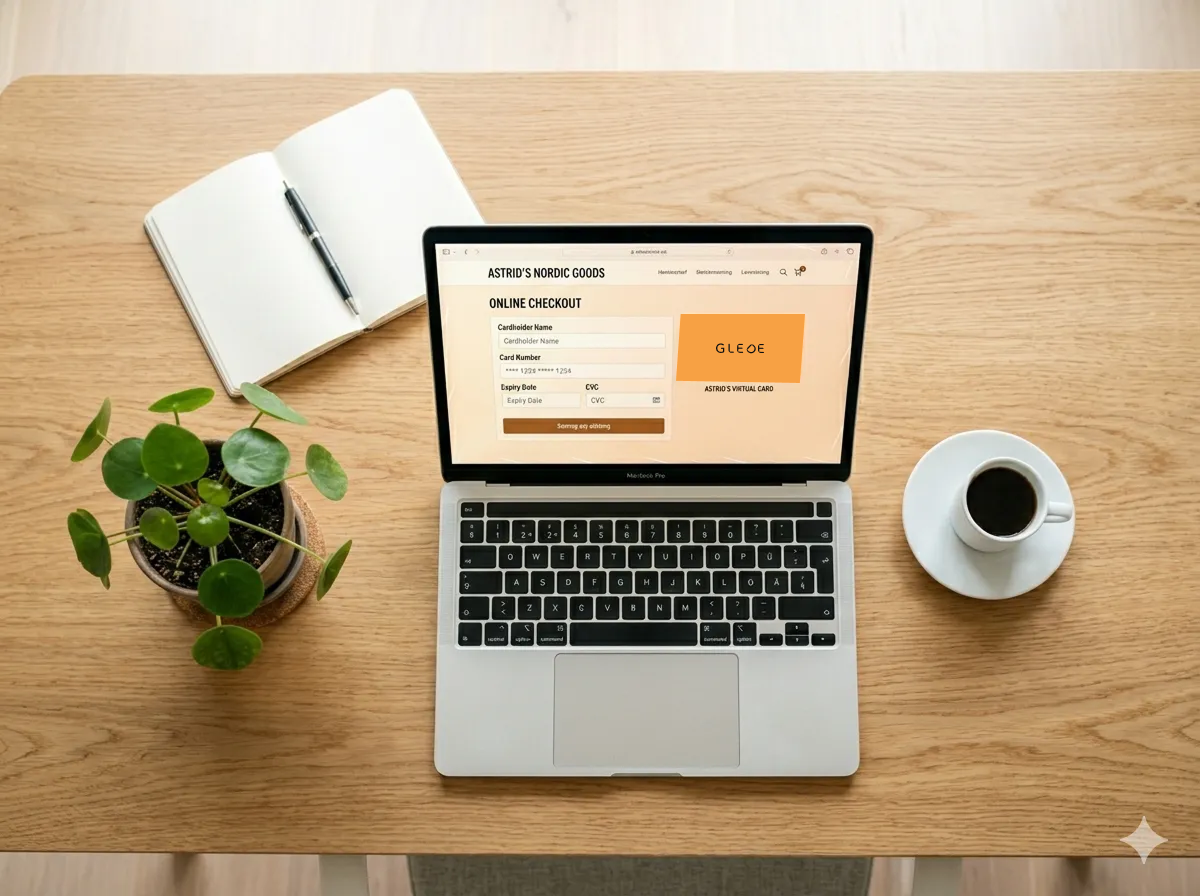
At checkout, enter your card details the same way you would with a regular bank card.
Questions and answers
Declined somewhere you have shopped before? A few merchants can have temporary trouble accepting card payments. We list the ones we know about, and what to do meanwhile. See what we know right now.
Didn't find the answer? Contact customer service or go to the help centre
The gift card that gives full freedom of choice
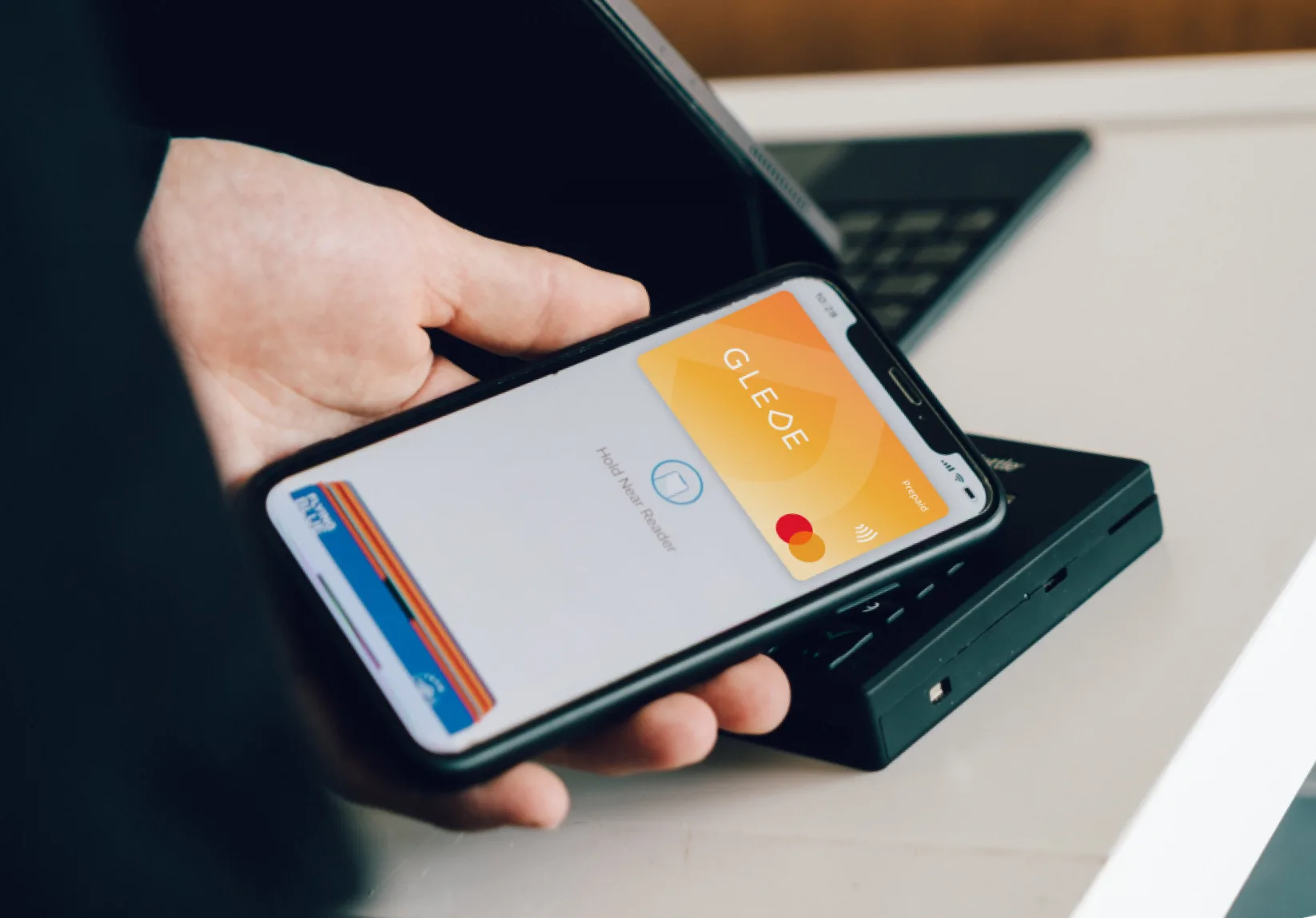

Ready to shop online?
Open the Glede app, find your card details, and use the gift card in your favorite online store. Simple and fast.