
How to use the gift card in store
Add the Glede card to Apple Wallet or Google Wallet and pay contactlessly everywhere Mastercard is accepted. Mastercard reports more than 150 million acceptance locations globally.
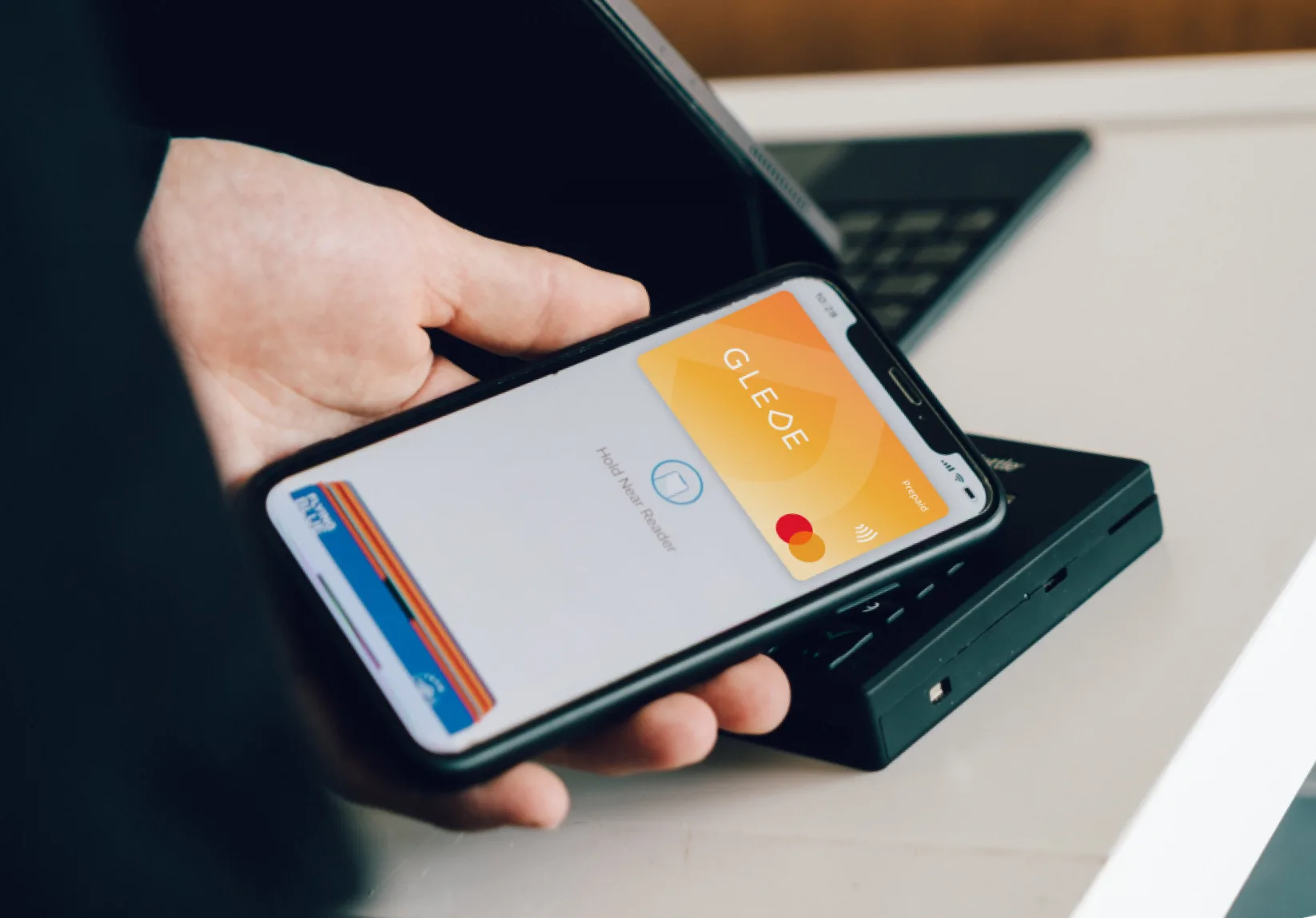
Payment with
Apple Pay
150M+ Mastercard network locations
Everywhere Mastercard is accepted
Step by step
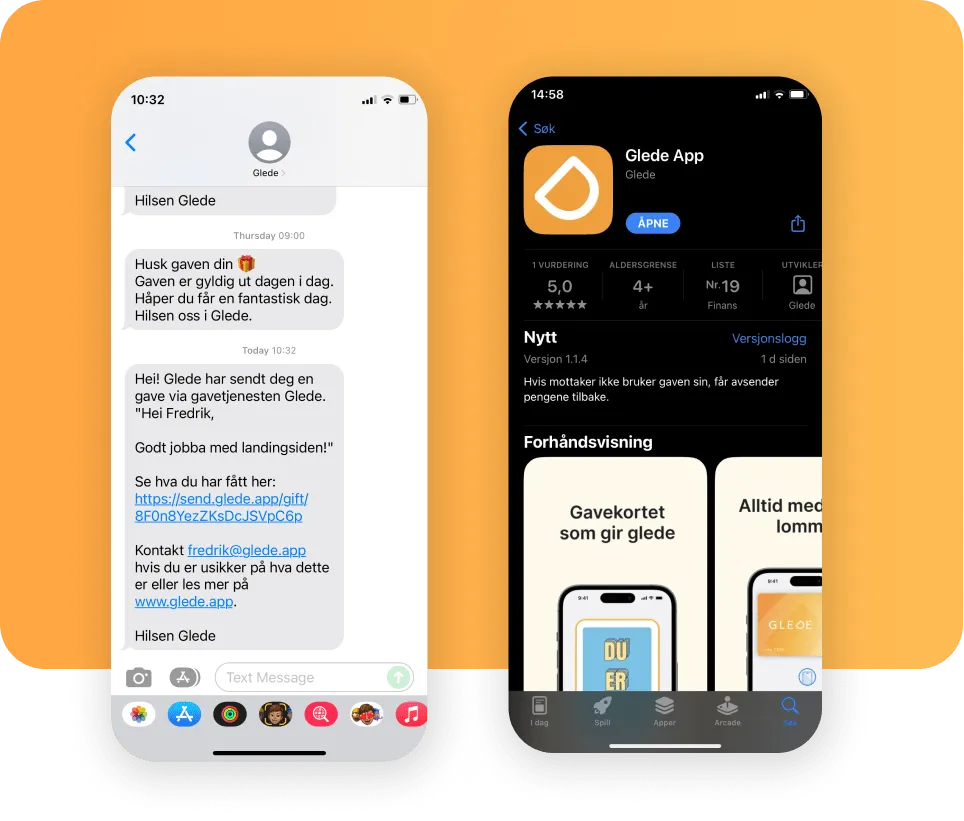
Download the Glede app
Open the digital gift you received via email or SMS and download the Glede app. There you'll find your Glede card.
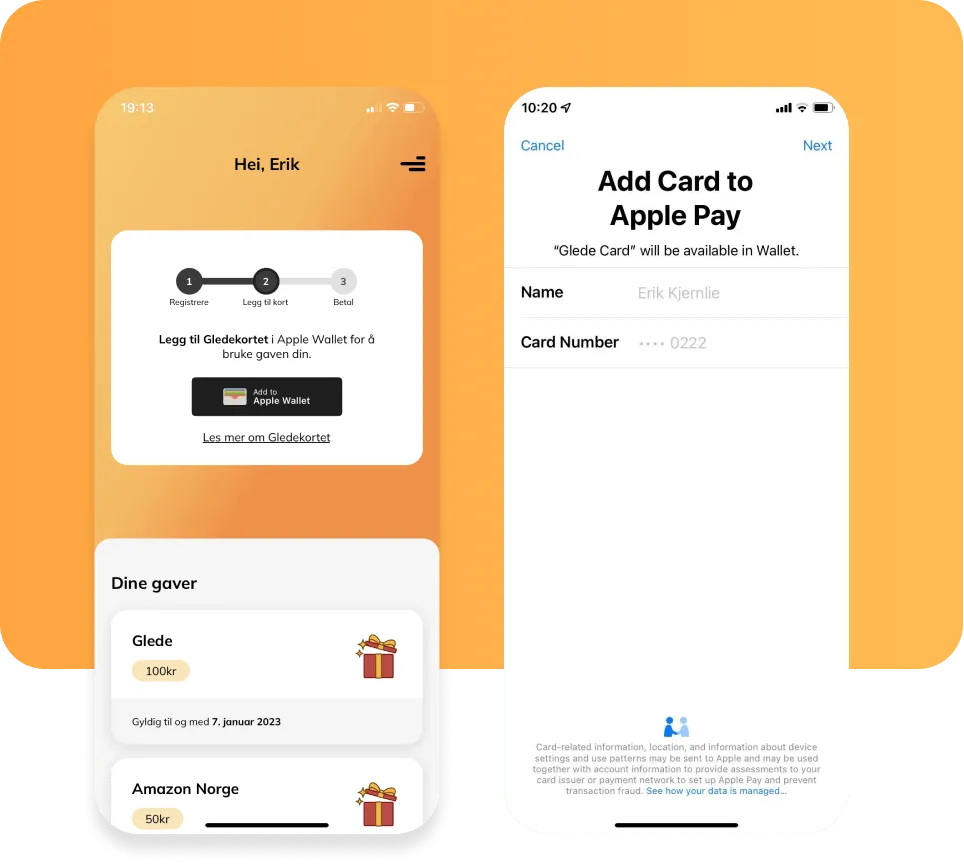
Add the Glede card to Apple Wallet
Tap the "Add to Apple Wallet" button to add the Glede card to your wallet. Follow the instructions and accept the terms.
Learn more about Apple Wallet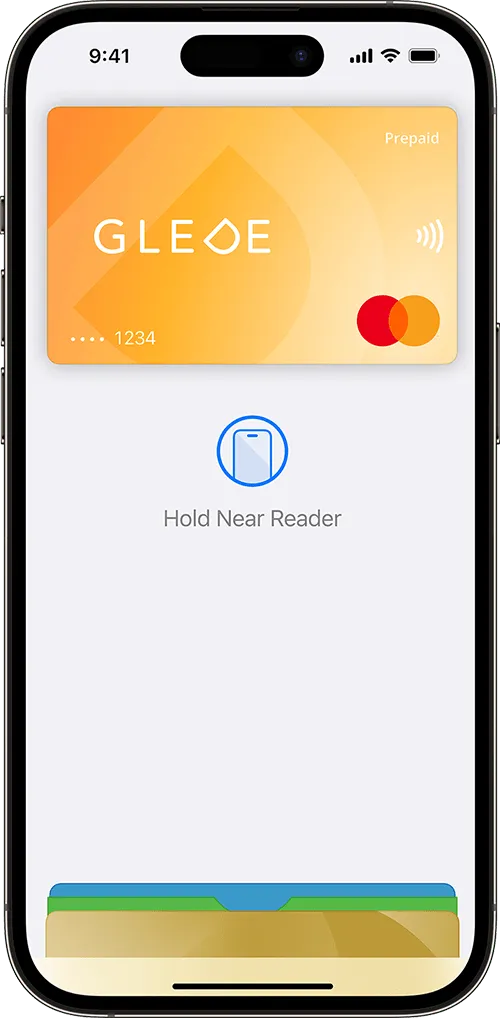
Pay with Apple Pay
On iPhone, double-click the side button or Home button, authenticate with Face ID, Touch ID or your passcode, then hold the device near the card reader to pay. On Apple Watch, double-click the side button and hold the device near the card reader.
Questions and answers
Declined somewhere you have shopped before? A few merchants can have temporary trouble accepting card payments. We list the ones we know about, and what to do meanwhile. See what we know right now.
Didn't find your answer? Contact customer service or go to the help centre