
Your iPhone is your wallet now
Leave the wallet at home. With Apple Pay you can use your Glede card straight from iPhone or Apple Watch — in store, online or in apps.
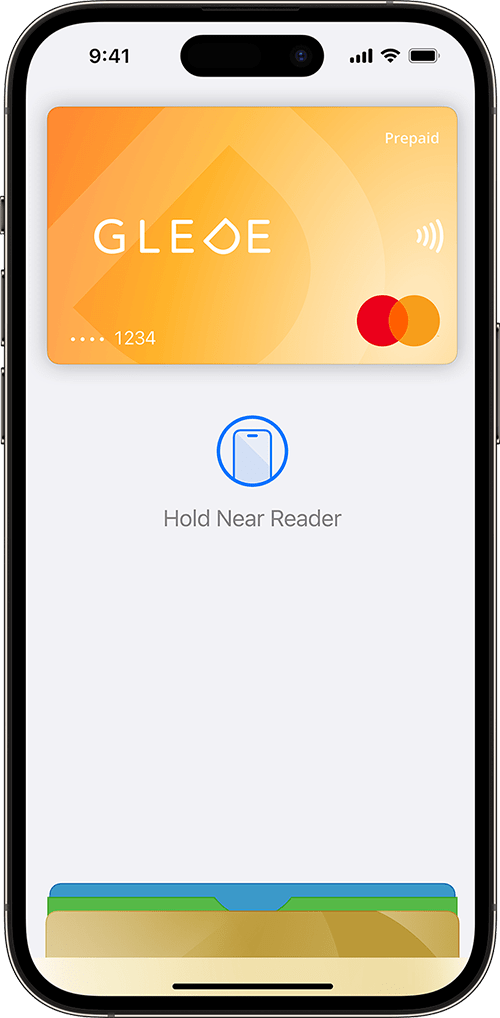
Safer and simpler —
Apple Pay does not send your actual card number to the shop. Payments are authorised with Face ID, Touch ID or the device passcode, subject to Apple Pay’s supported payment modes.
Forget the wallet
Leave the wallet at home. With Apple Pay you can use your Glede card from iPhone or Apple Watch everywhere both Mastercard and contactless payments are accepted.
Extra security, built in
Apple Pay uses the security features built into your Apple device, including Face ID and Touch ID — both designed so that only you can authorise a payment.
Pay online and in apps
With Apple Pay your name and address are filled in automatically at checkout. Payment is faster than ever — just look for the Apple Pay symbol and tap the button.
Add the Glede card to Apple Wallet in seconds
 1
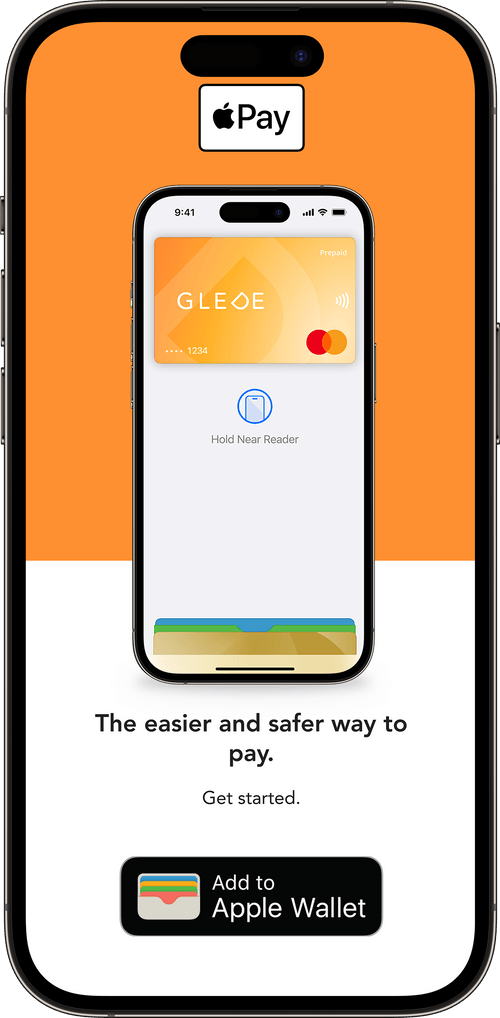
1Open the Glede app
Open the Glede app and tap the "Add to Apple Wallet" button on your gift card.
 2
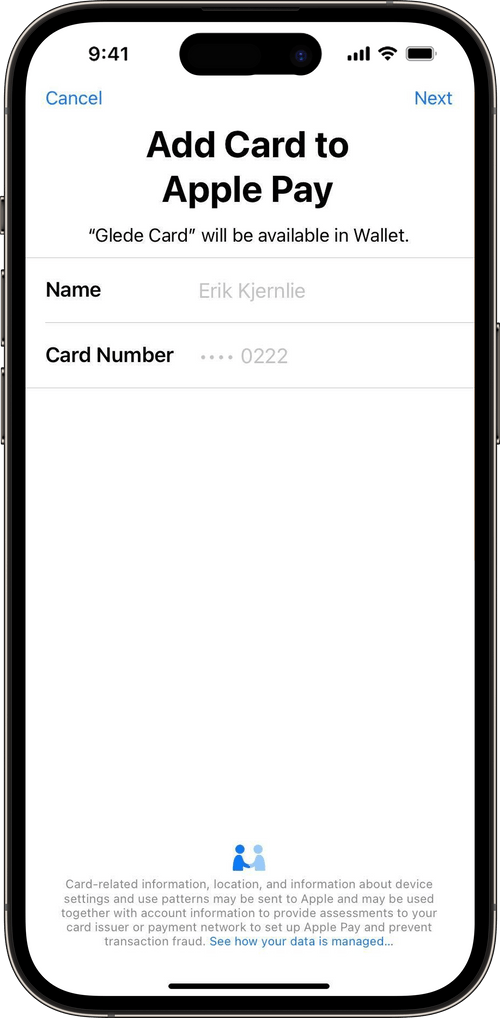
2Follow the instructions
Follow the instructions to add the Glede card to Apple Wallet.
- 3
Pay with iPhone or Apple Watch
You will now find the Glede card in Apple Wallet. On iPhone, double-click the side button, authenticate with Face ID or Touch ID, and hold the phone next to the card reader. On Apple Watch, double-click the side button and hold the watch next to the reader.
About Apple Pay and Glede
Apple Pay lets you pay with your phone or other compatible Apple devices such as iPhone, Apple Watch or iPad. You can use Apple Pay in shops, online and in apps that support the service. Your cards are stored digitally in Apple Wallet.
Learn more about the Glede gift card
Ready to try Glede?
Create an account and send your first gift card in under five minutes. No setup fee, no lock-in.